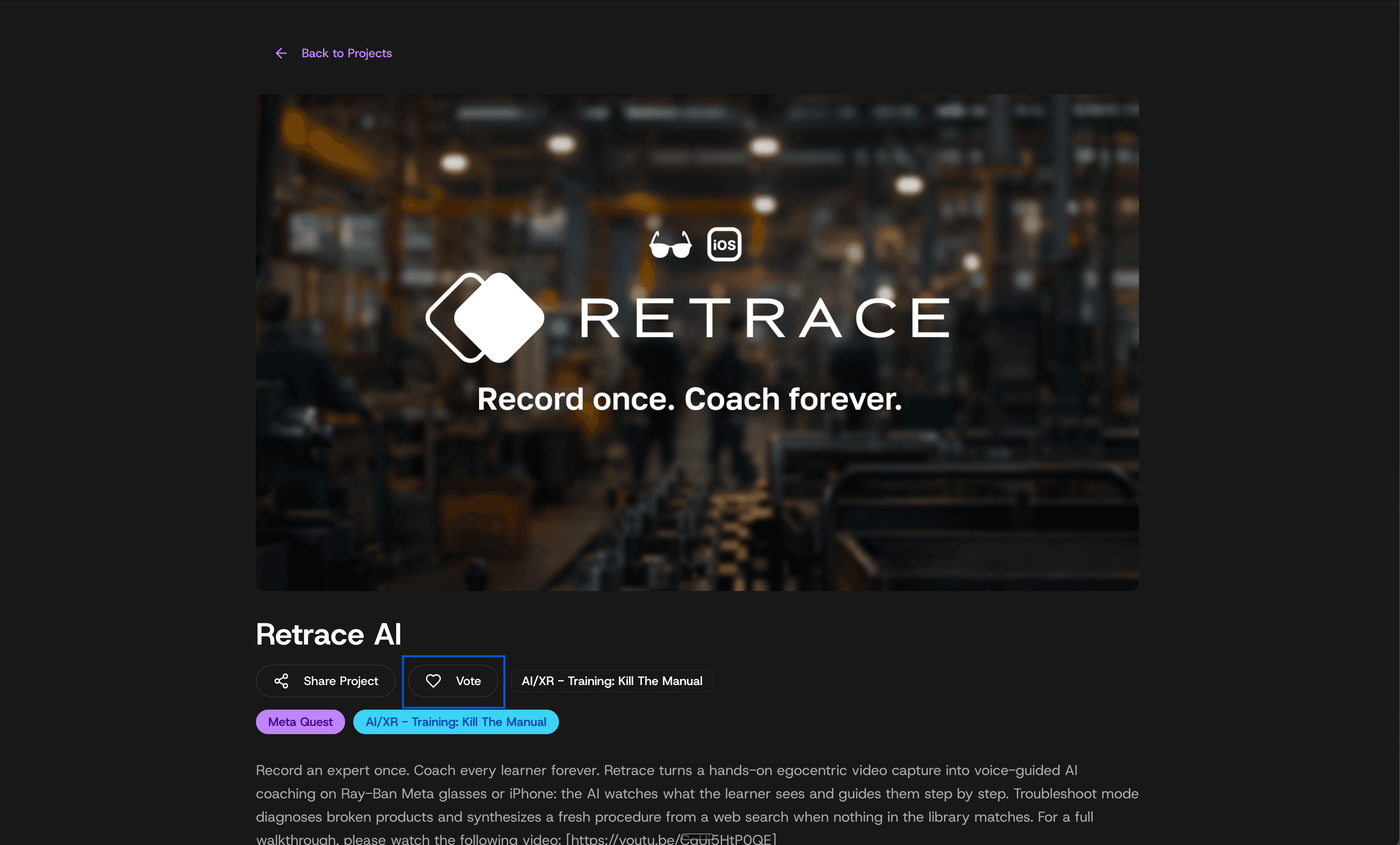
Public voting · XRCC Berlin 2026
How to vote for Retrace
Voting on the XRCC portal takes four quick steps. It’s a little fiddly — here’s exactly what to click.
01 / PORTAL
Open the voting portal
Go to the XRCC project portal and click Register for Public Voting on the sign-in card. You don't need an existing account — but you do need to make one before you can vote.
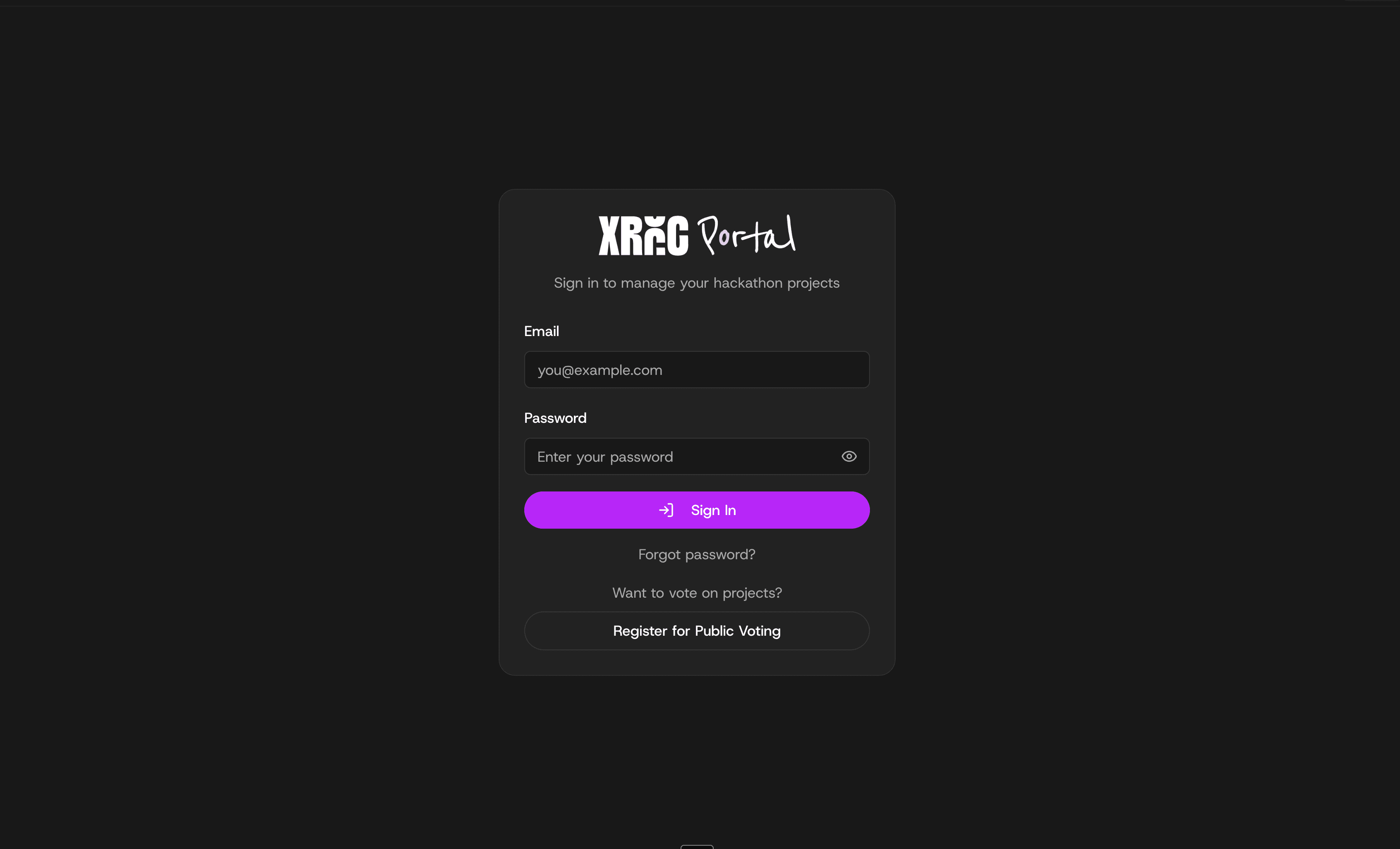
02 / REGISTER
Fill in the sign-up form
Enter your details to create a public-voting account. This is the fiddly part — it only takes a minute, so bear with it.

03 / PASSWORD
Set your password
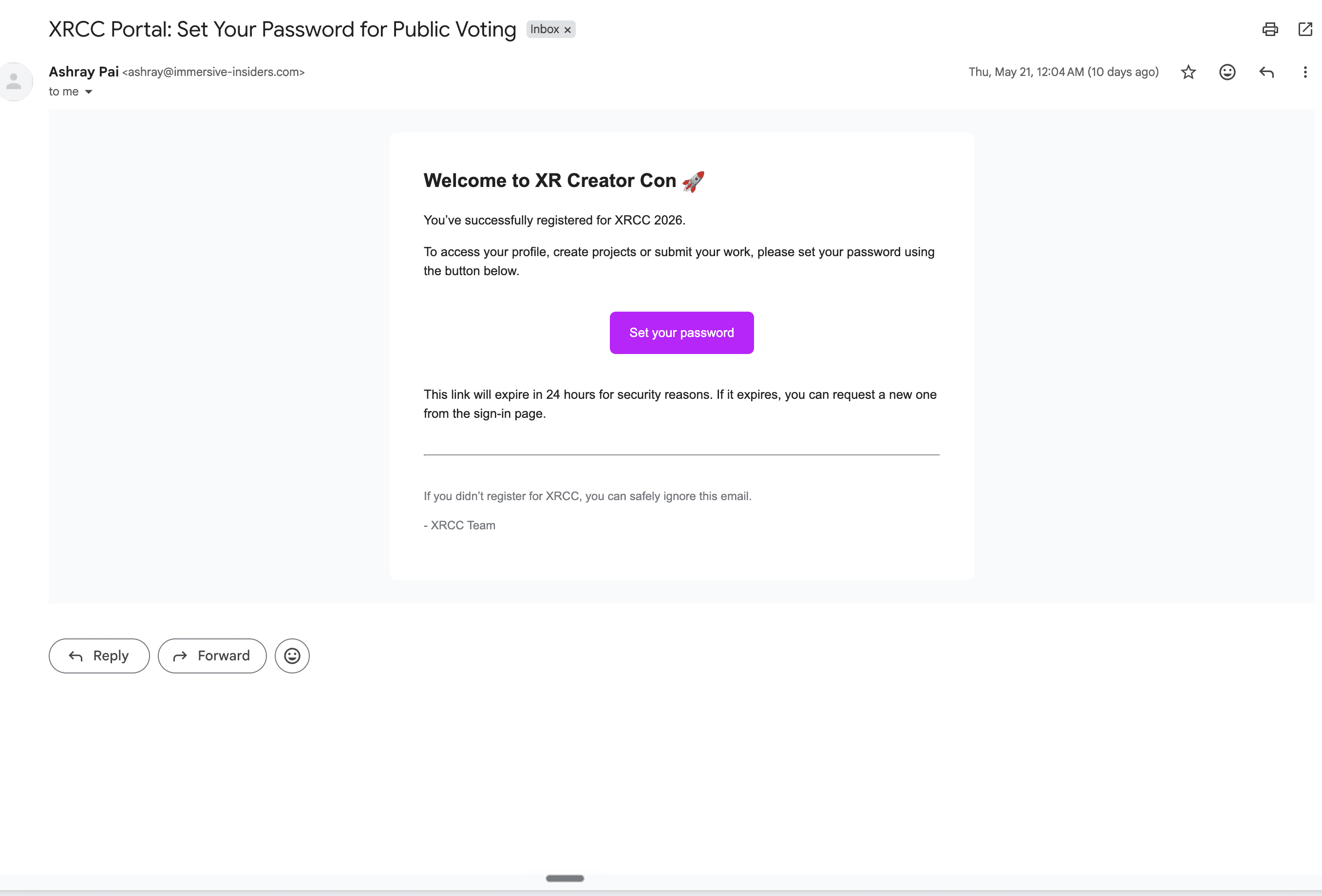
XRCC emails you a follow-up link. Open it, set a password to activate the account (check spam if it's slow to arrive), then sign in.
04 / VOTE
Vote for Retrace
Once you're signed in, open the Retrace project page and cast your vote. That's it — thank you.